Invoice Chasing
Invoice Chasing allows you to automatically remind patients of any unpaid invoices when outstanding for any specific period of time.
Written By Thomas Wojtowicz
Last updated 5 months ago
Creating a New Instance
The first step to setting up Invoice Chasing is to create a new instance in Outbound > Create Automatic Instance > Invoice Chasing. You can then select a name for the instance.
Under Run 1 you can configure whether patients are reminded about outstanding invoices via calls or SMS, along with the specific text that is sent. You can add multiple runs across different channels.
You can then choose what time of day the patients are contacted and after what duration since the invoice was issued. Once you’re all set, hit Create Instance.
Selecting Instances
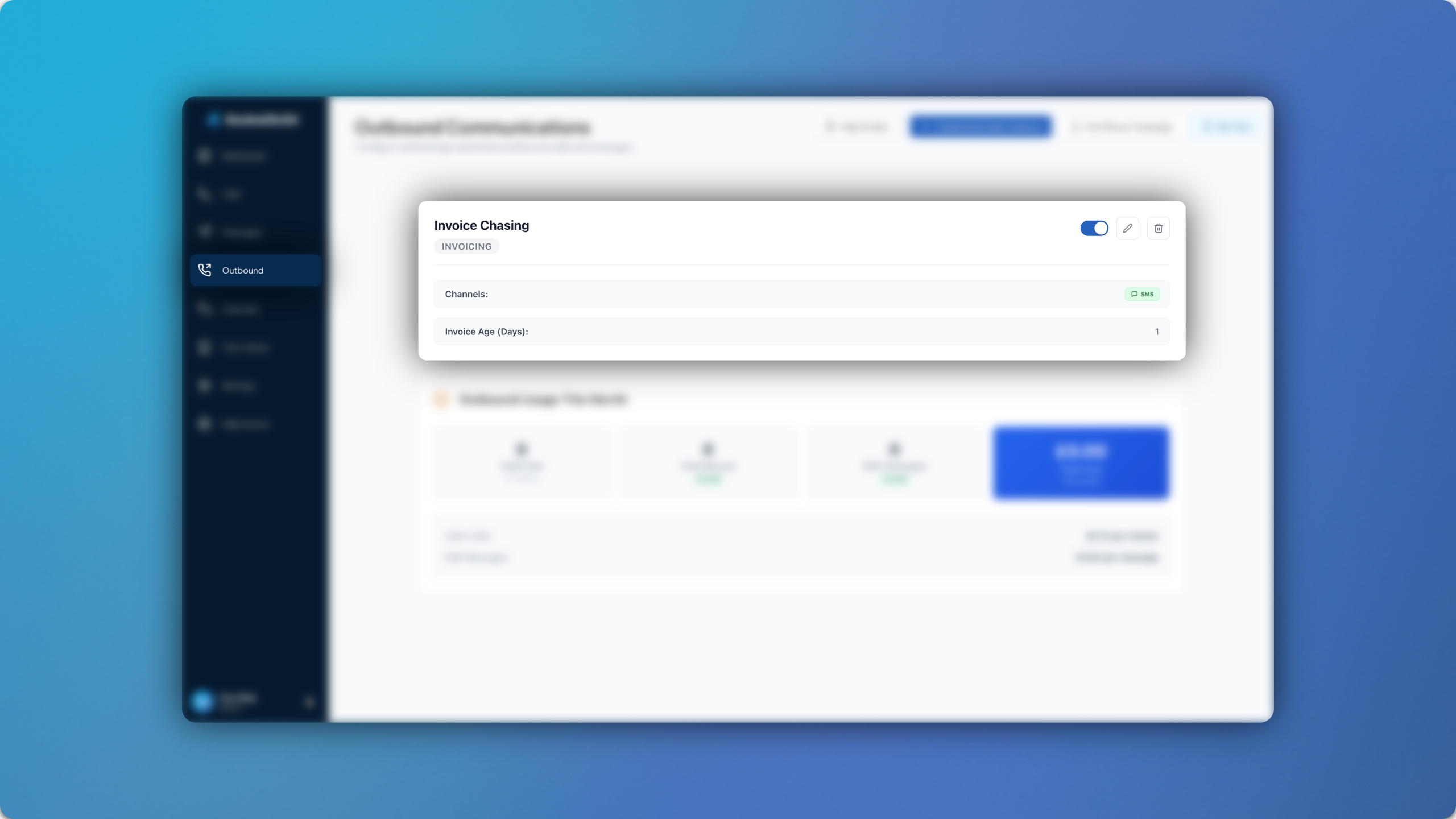
Once an instance has been created, it will appear in the main Outbound Communications page. New Invoice Chasing instances can be created for a variety of different variables, such as time ranges and channels.
All instances will show in the main page, where you can enable/disable them accordingly. You can track your overall usage across the Outbound Module at the bottom of the page, along with a cost breakdown.
For any questions, feel free to email us at support@bookedsolid.co.uk.