Knowledge Base
The Knowledge Base feature can be found within the Clinic Setup page. It is designed to store information and data on your clinic in order to answer any questions that patients may have.
Written By Thomas Wojtowicz
Last updated 5 months ago

It’s important to remember that the Knowledge Base is exclusively for information. Placing instructions here (eg: if X happens, do Y) will not work. All instructions should be entered into the custom instructions box in the settings page.
Websites
Adding your website(s) is a great start as this will contain a good amount of basic information about the clinic and its operations. Some websites may even include a page dedicated to Frequently Asked Questions (FAQs). If you make any changes to your website which you want to be reflected in the Knowledge Base, you can simply hit the refresh button.
Documents
For anything more in-depth which isn’t included on your website, you can add a text heavy document in the form of a pdf. This is a good idea when you want to upload more detailed information on the various procedures the clinic offers, or even background information on various health topics.
Text
For more specific things, such as directions or parking arrangements, you can add a text note. As well as this, if you spot that a patient has asked a question for which the answer wasn’t in the Knowledge Base, then you can add it quickly here without having to edit your website or documents.
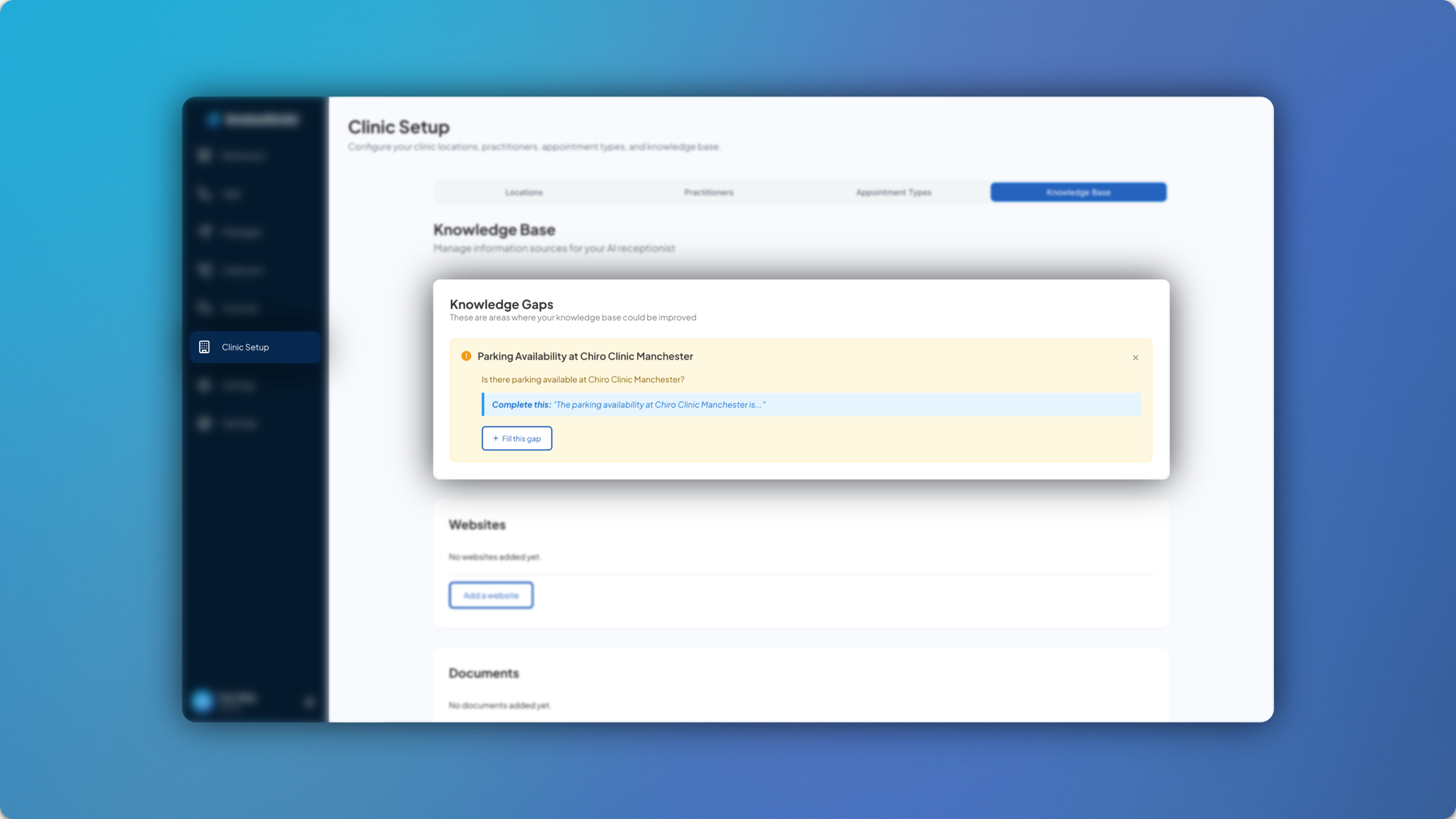
Knowledge Gaps
When a patient asks something which cannot be answered, due to the information not existing within the Knowledge Base, it will be flagged up and the account admin will be prompted to provide the missing information as a text note. This strengthens the Knowledge Base over time.
For any questions, feel free to email us at support@bookedsolid.co.uk.