PracticeHub Integration
If you use PracticeHub as your Practice Management System, then this simple guide will get you connected with our platform in no time!
Written By Thomas Wojtowicz
Last updated 3 months ago
Generate an API Key in PracticeHub
Firstly, you’ll need to generate an API Key in your PracticeHub dashboard. In order to do this, head to Settings > Other > Developers. In the Create API Key section you can enter your desired name for the API Key - something like BookedSolid would suffice. Then hit Generate API Key.
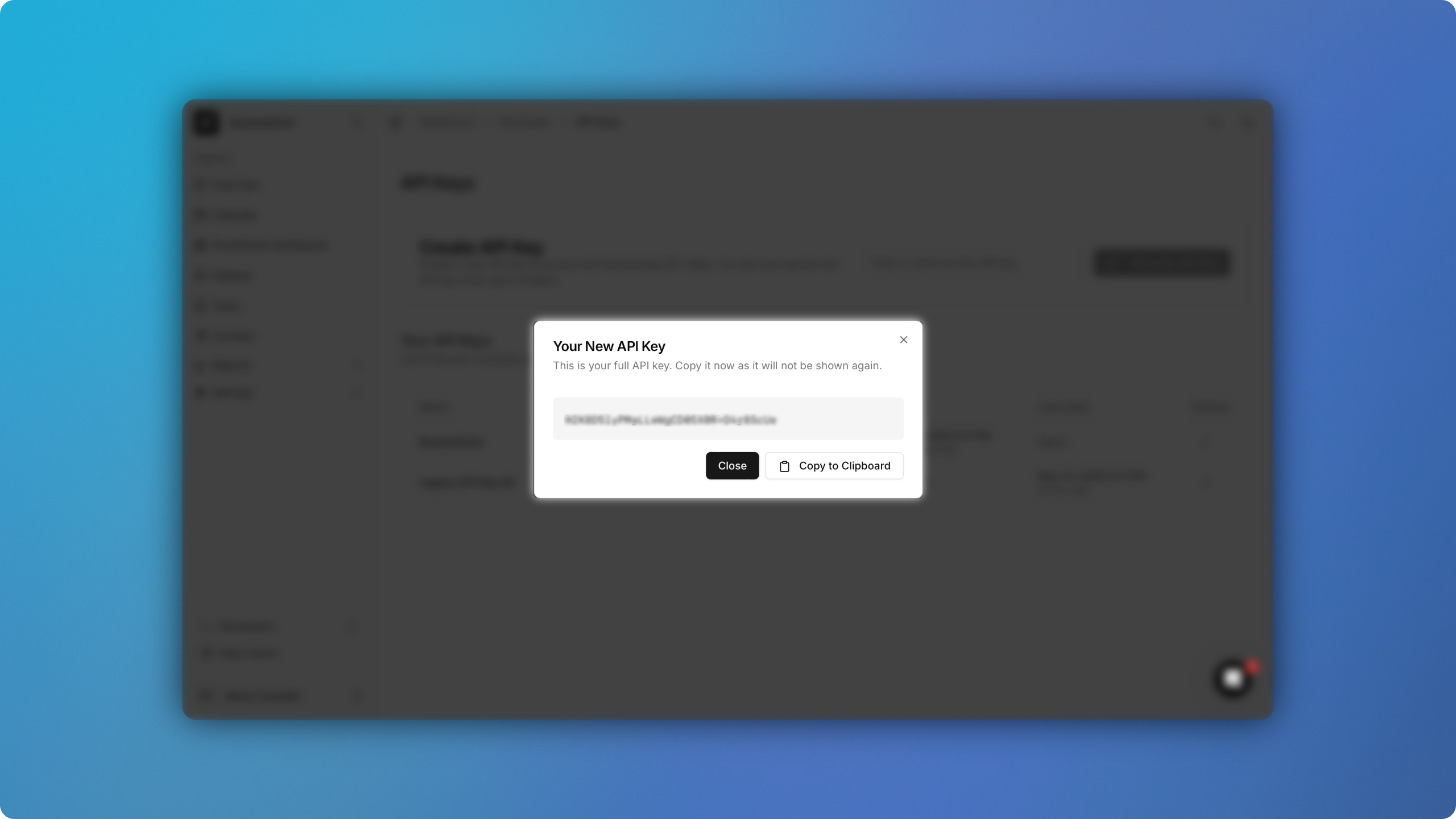
Once your API Key has been successfully generated, make sure to copy it to your clipboard for later.
Turn on online bookings
If you haven’t already, then you’ll need to turn online bookings on from within PracticeHub. still from within the developer dashboard, head to Settings > Online bookings > Enable Online Bookings > Allow patients to book appointments online. Make sure this is toggled on.
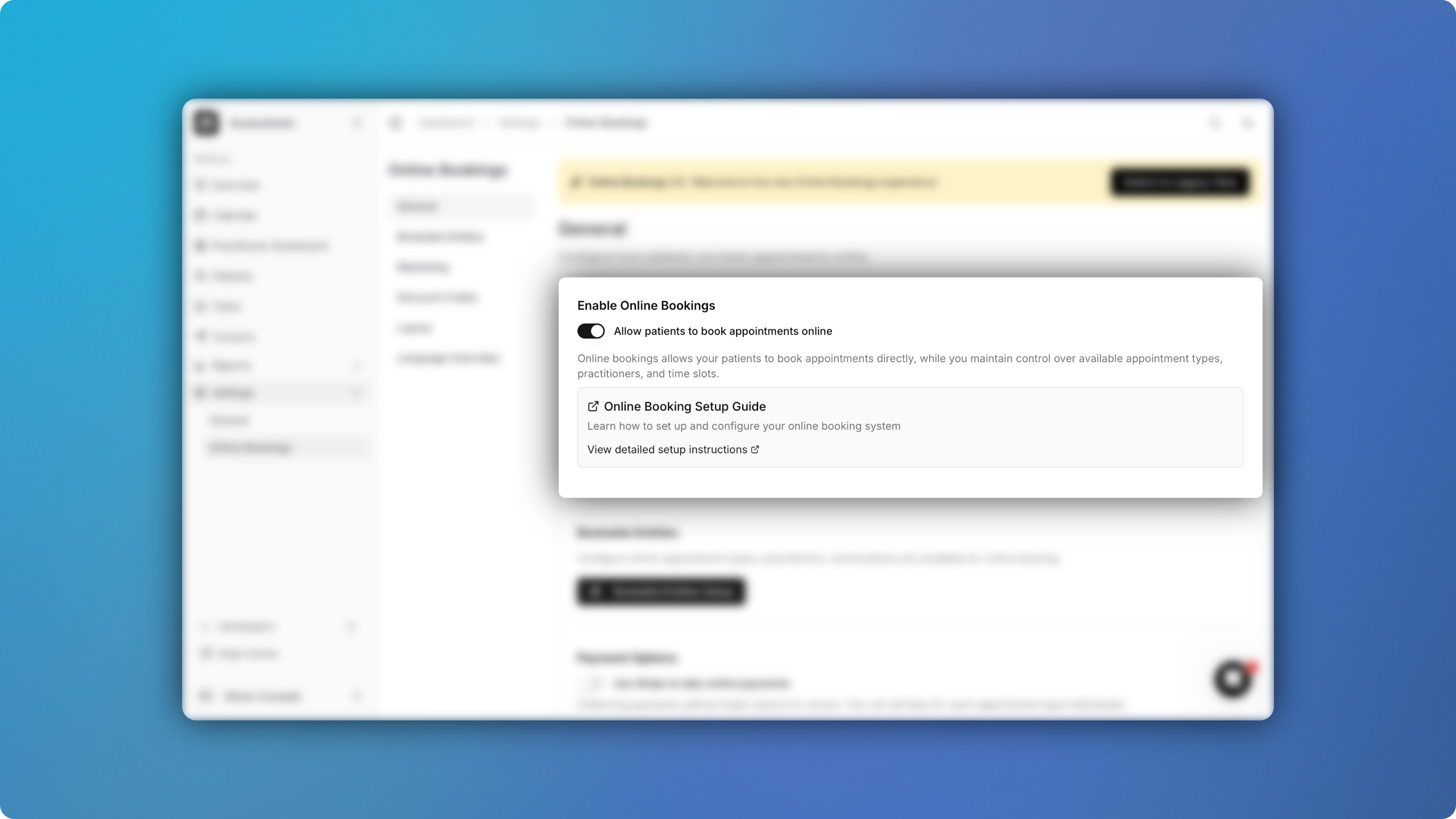
For more information on online bookings visit PracticeHub’s in-depth guide.
Create account on BookedSolid
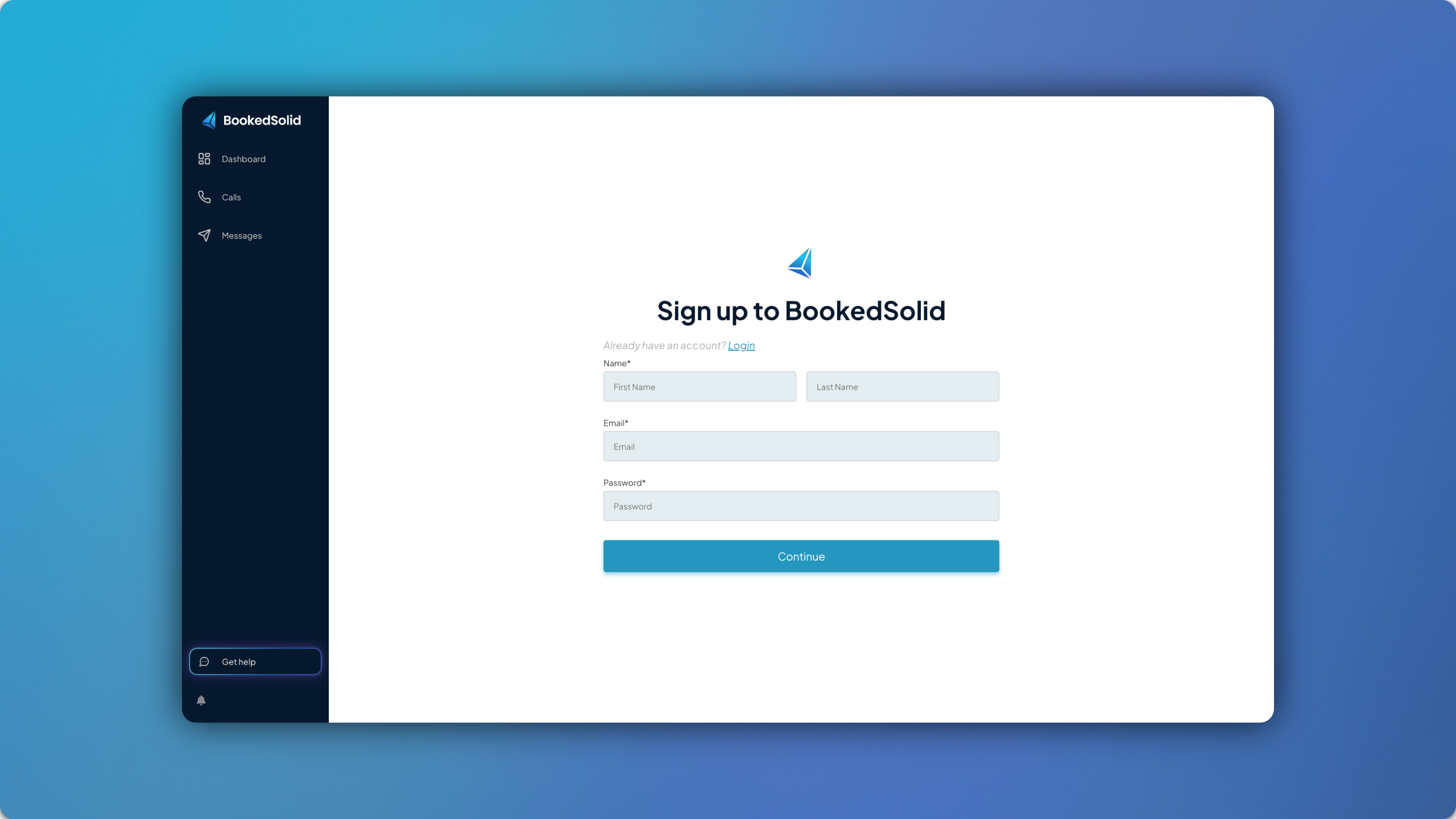
Now that your PracticeHub account is ready, you can head over to the BookedSolid Signup Page where you can begin entering your details. Make sure to choose PracticeHub when you reach the dropdown titled Which Software Do You Use?
Onboard and Provision a Number
Once you enter the platform for the first time, you’ll be prompted to follow an onboarding flow. This will first require you to enter the API Key you created earlier in PracticeHub as well as your PracticeHub domain and region. For the domain, you must only enter the part of your URL that is unique to your clinic. For example, if your URL were https://testclinic.neptune.practicehub.io then your domain would be testclinic and your region would be neptune.
After this you will be prompted to fill out a short form in order to provision a phone number. The team will then prepare that AI number for you and notify you once it’s been deployed to your account.
For any questions, feel free to email us at support@bookedsolid.co.uk.